Bookmark new tab
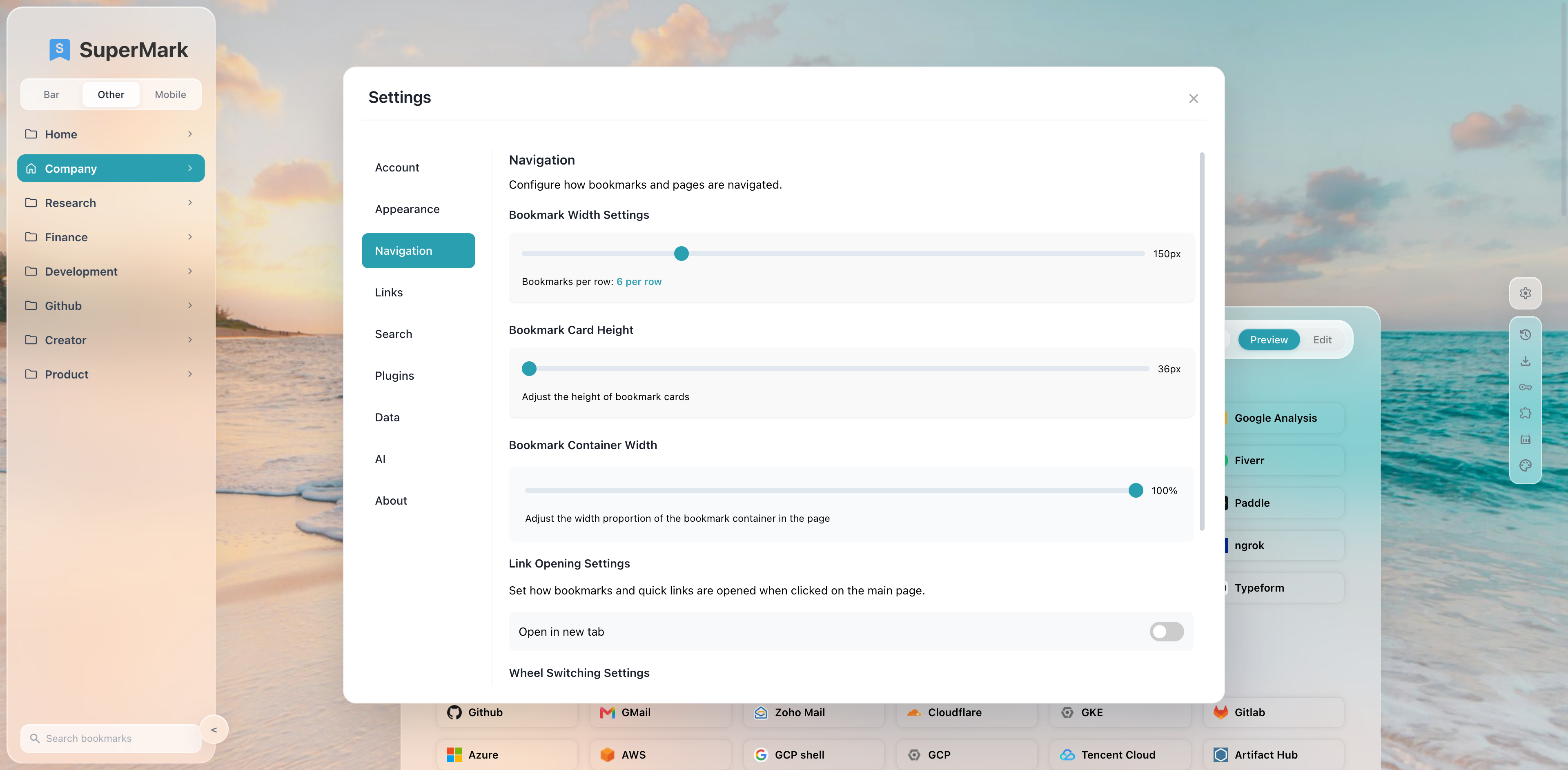
Pin up to 8 home folders, search the sidebar tree, drag to organize, clear broken (404) bookmarks (faster scans on higher plans), and keep bookmarks synced with Chrome.
Chrome & Edge · Free / Pro / Premium
SuperMark is a Chrome/Edge extension that turns bookmark folders into a clean new tab—multi-engine search, themes, sync, clear-404 tools, and AI on Pro/Premium. Install it, then choose Free, Pro, or Premium in Settings → Account.
 SuperMark
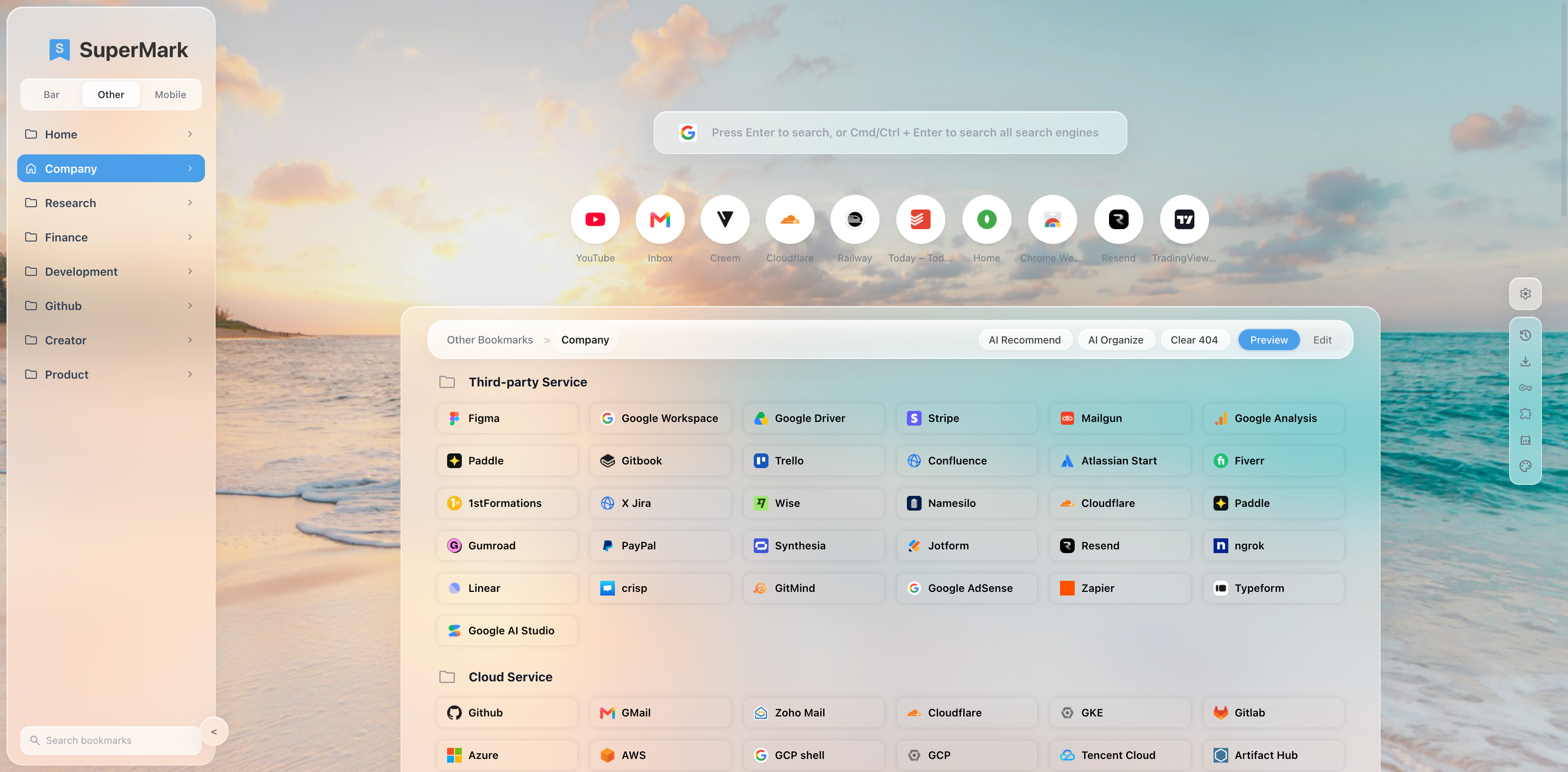
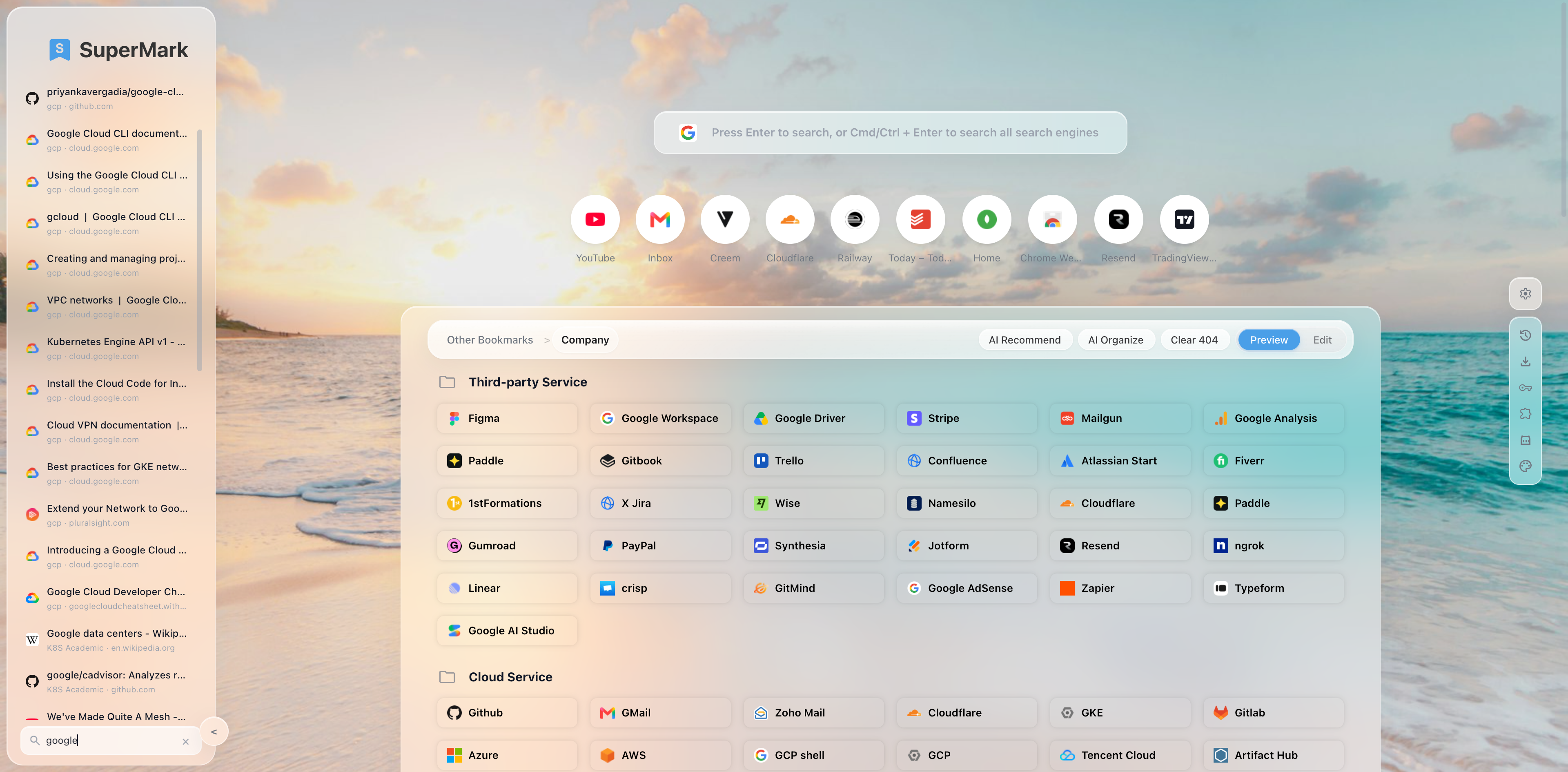
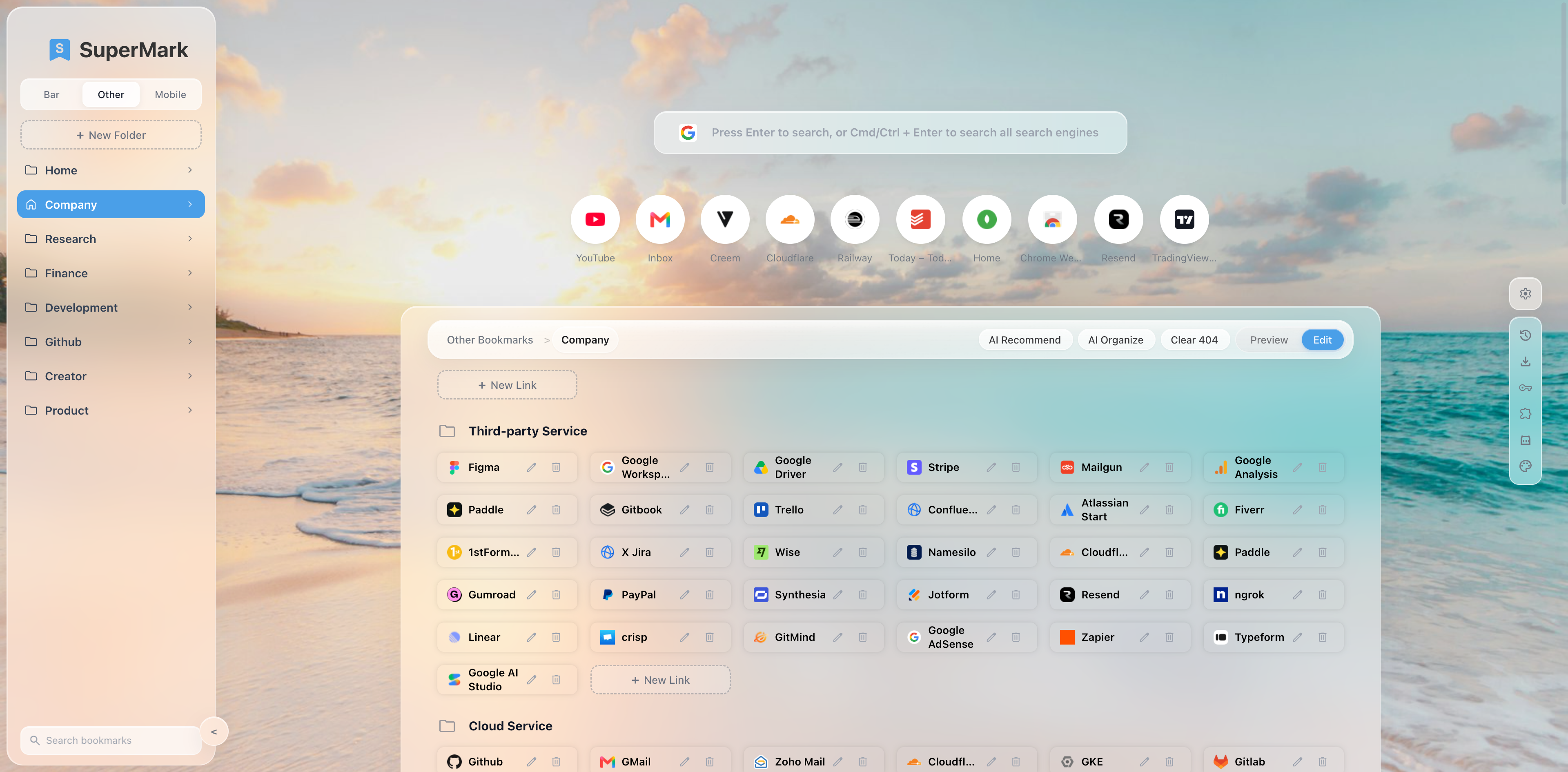
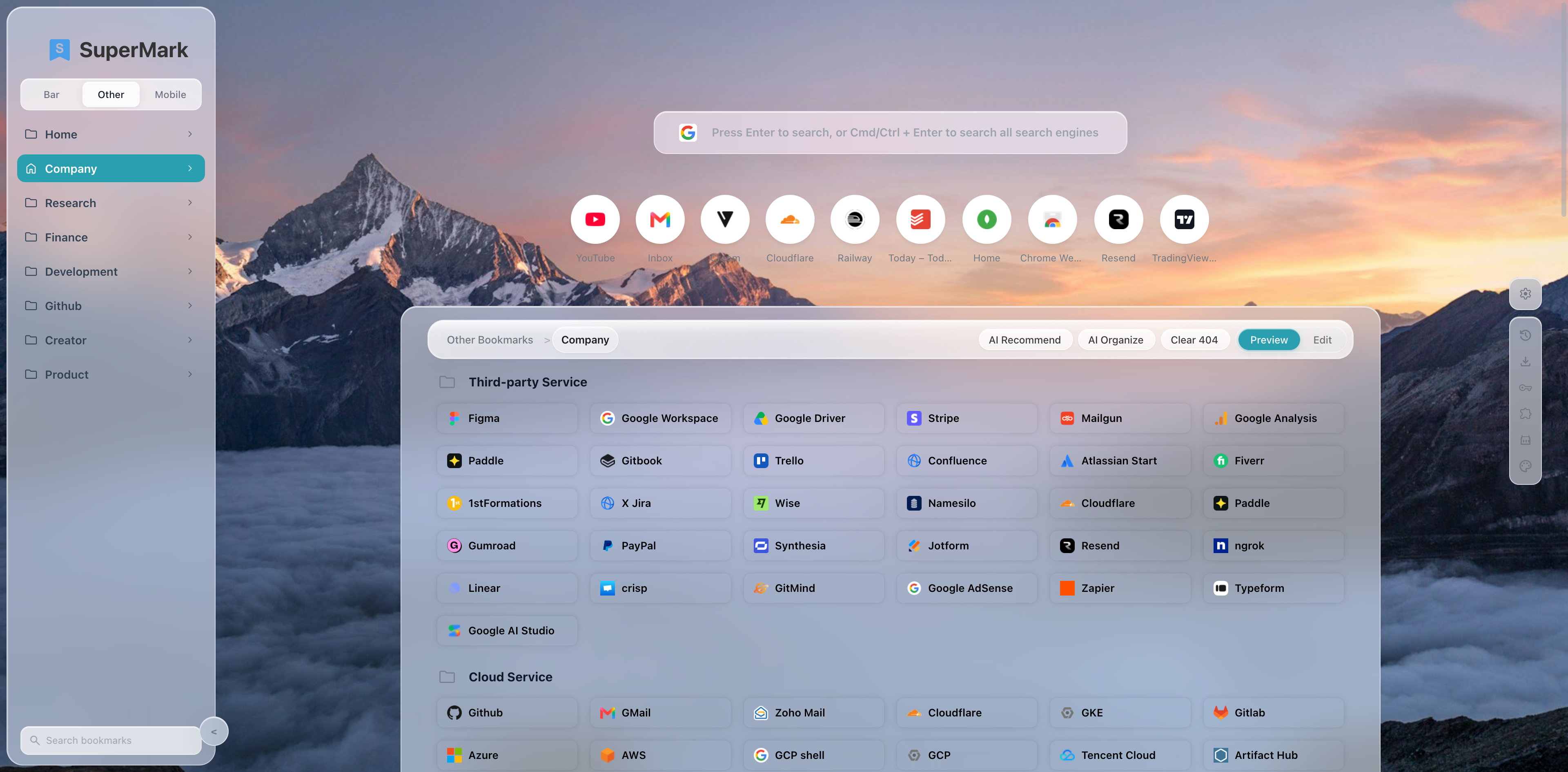
Digital software / SaaS for bookmark management—not a marketplace, not physical goods, not prohibited content.
Pin up to 8 home folders, search the sidebar tree, drag to organize, clear broken (404) bookmarks (faster scans on higher plans), and keep bookmarks synced with Chrome.
13 built-in engines—Google, Bing, DuckDuckGo, ChatGPT, Gemini, Perplexity, Grok, GitHub, X, and more—plus custom engines and bookmark/history suggestions. Compare search (Cmd/Ctrl+Enter) is Pro.
Pro: AI Organize with hosted monthly requests—preview, apply, restore. Premium adds AI Recommend, AI Website Intro, higher quotas, and custom model providers (BYOK).
Light / dark / system, accent colors, glass opacity, preset and local wallpapers. Bing daily wallpapers are Pro.
Pro plugin bar: clock, todo list, and Markdown notepad—toggle, collapse, reorder. Quick links for everyone; drag-to-reorder is Pro.
Chrome-compatible HTML import/export, cross-device preference sync, and 19 UI languages. In-app update checks via this site.
For Chrome: download the ZIP, unzip, then chrome://extensions → Developer mode → Load unpacked. Chrome blocks self-hosted .crx installs (CRX_REQUIRED_PROOF_MISSING)—that is Google’s policy, not a bad package. Use CRX only for Edge or enterprise policy installs.
Latest version: …
Chrome install: ZIP → unzip → Load unpacked. After install, SuperMark checks this site for updates. Feeds: updates.json · updates.xml
Public list prices in USD. Paid plans are billed by Creem (Merchant of Record). Taxes may apply by location. Higher tiers include lower-tier features.
Loading plans…
Release notes for SuperMark. Full list also on the updates page. updates
We respond to support requests within 3 business days.
Email us at
Please include your Google account email used to sign in, and a short description of the issue. Billing questions (refunds, invoices, cancellation) are welcome at the same address.